Finding your Address/computer name in OS X
- Click on the Apple icon in the upper left hand corner

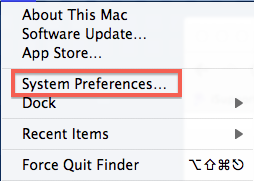
- Click on System preferences
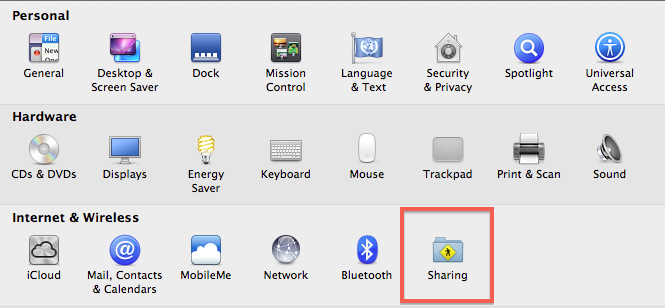
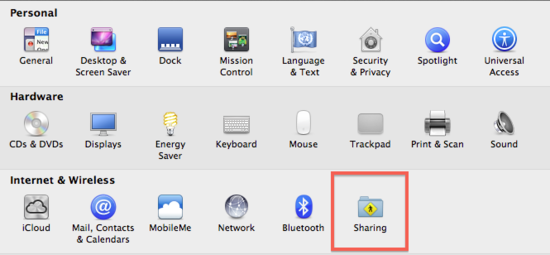
- Click on "Sharing" in the third row
-
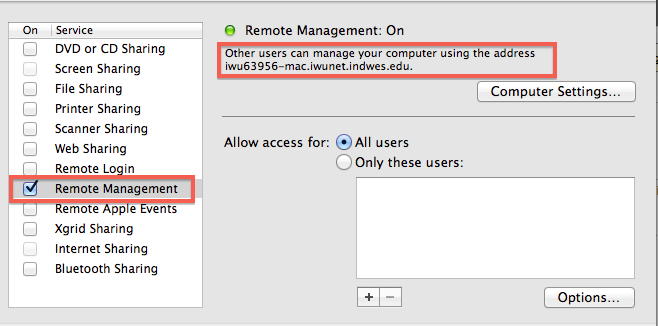
Make certain that "Remote Management" is checked then locate your address/computer name in the upper right corner of hte screen (located in the red outline)
-
The information in the red box at the top of the picture above that is located just below "Remote Management: On" is the information the Support Center will need to connect to your Mac.