
NGM 300 Conference Room
Function
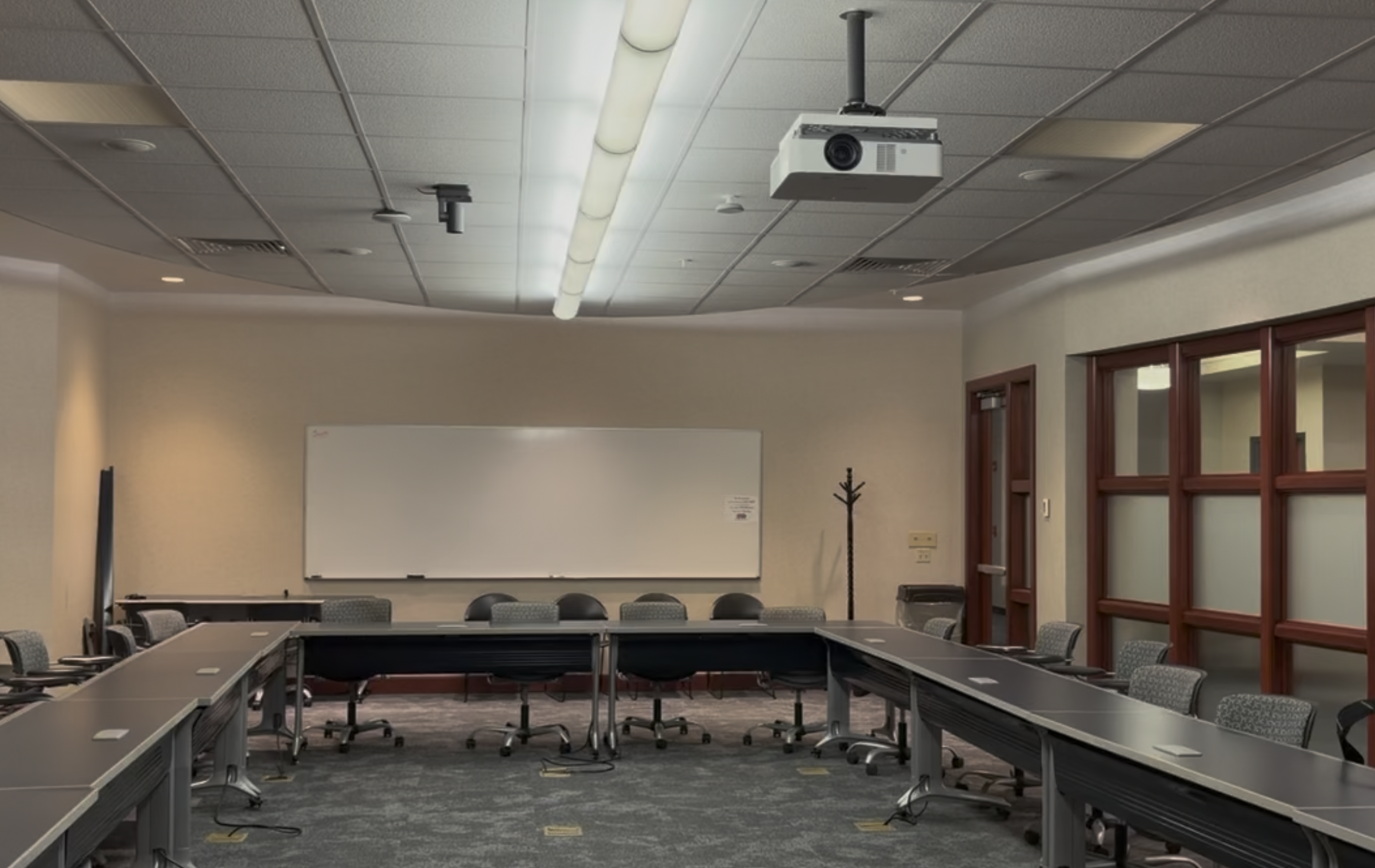
This room is a collaborative space for meetings using the technology of a Microsoft Teams Room (MTR). The chairs and tables are configurable.
Display
This conference room has a teaching station, sound system, and one display.
- Ceiling Mounted Projector
- Projects onto projection screen on the short wall near the door
- Resolution: 1920 x 1200 (16:10 aspect ratio)
Sources
- Microsoft Teams Room Meeeting (button is labeled: Wireless)
- Laptop – USB-C cable for screen content sharing at the teaching station
- QR code for wireless content sharing from a smart phone or tablet
- or screen-sharing from within a Teams video-conference.
Audio
- 8 Ceiling Speakers
-
Volume is adjusted using buttons on the touch panel controller, or volume knob on the Extron push-button controller
-
2 Ceiling Microphones, for video conferencing (not for in-room sound reinforcement). These can be unmuted on the touch panel.
Control
Touch panel controller
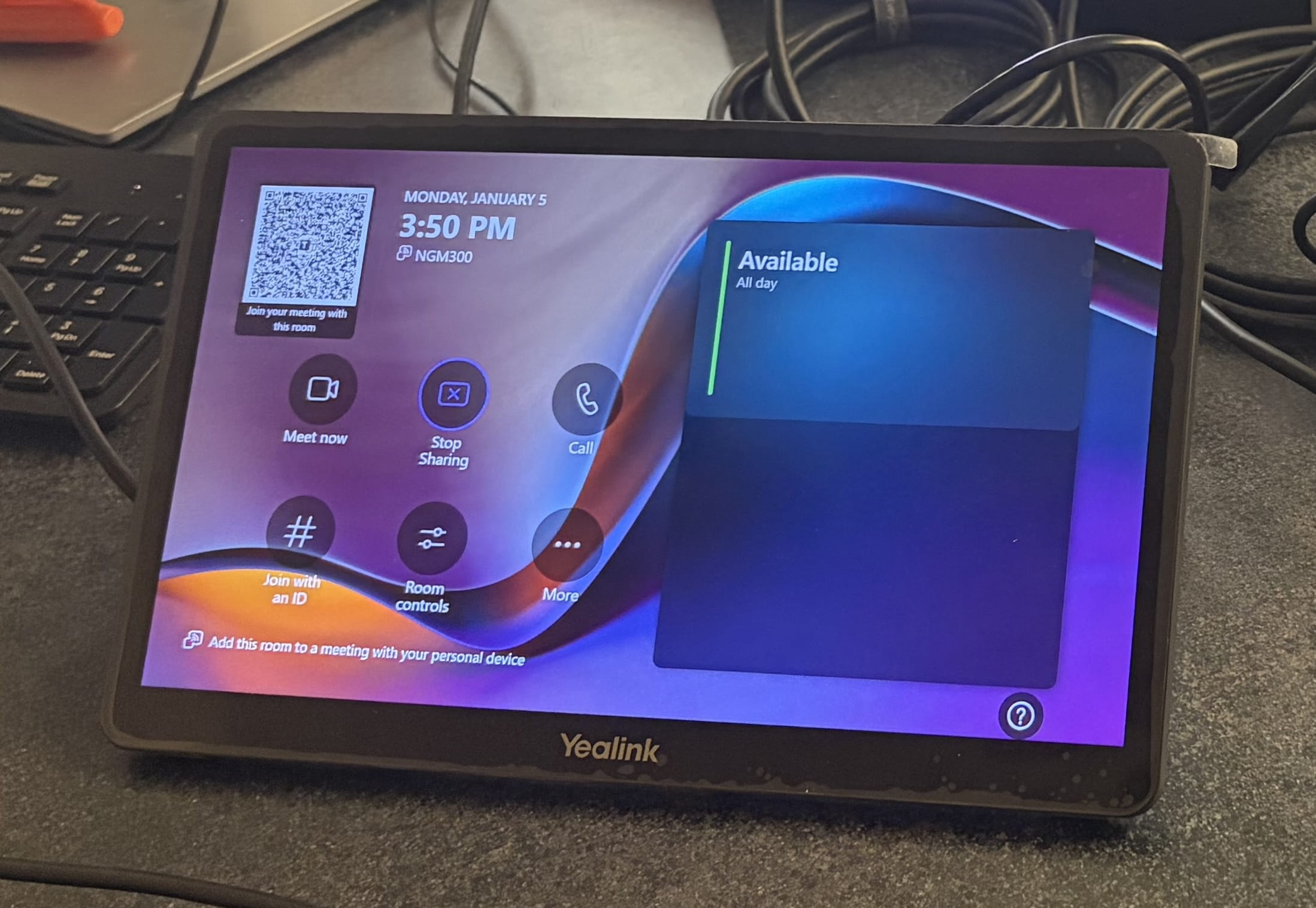
Instructions
WATCH this tutorial video to learn how to connect a laptop to the MTR system for an in-room presentation.
Support
For support, please follow these steps:
1. Tier One support is provided by IWU personnel in the NGM suite 132, typically the receptionist. If unavailable, contact the IWU Support Center. Tier One will discern whether the issue resides within the AV control system (and necessary for escalation to Tier Two support) or with the user's laptop.
2. Tier Two support must be escalated from Tier One support. This level of service for the Microsoft Teams component is provided through the IT Support Center, while service for the speakers and projector are provided by Classroom Technology Services.