
Large Meeting Room AV
This page provides links to the classroom technology at the Indiana Wesleyan University's large meeting rooms.
Display
This classroom has a fully equipped teaching station, sound system, and one display.
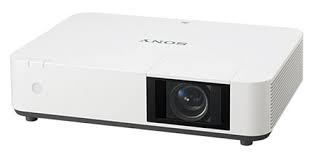
- A ceiling mounted laser Projector
- Projects onto manual screen on the front wall of the room.
- A preview monitor on top of the cart shows the same content that is sent to the projector
- Resolution = 1920 x 1200 (16:10 aspect ratio)

Sources
The teaching station provides multiple ways to share a computer or mobile device to the projection screen and ceiling speakers.

- USB-C cable for connecting a mobile device (Laptop, tablet or smart phone)
- HDMI cable for connecting a laptop computer
- USB; plug in a USB flash drive or a USB document camera to this port. Then press the PC button and browse to the connected peripheral.
- Desktop PC
Audio
This classroom has:
- 8 ceiling mounted speakers
-
Volume knob at the teaching station control panel
- A wireless microphone system with handheld and body-worn microphones. Only one can be used at a time.
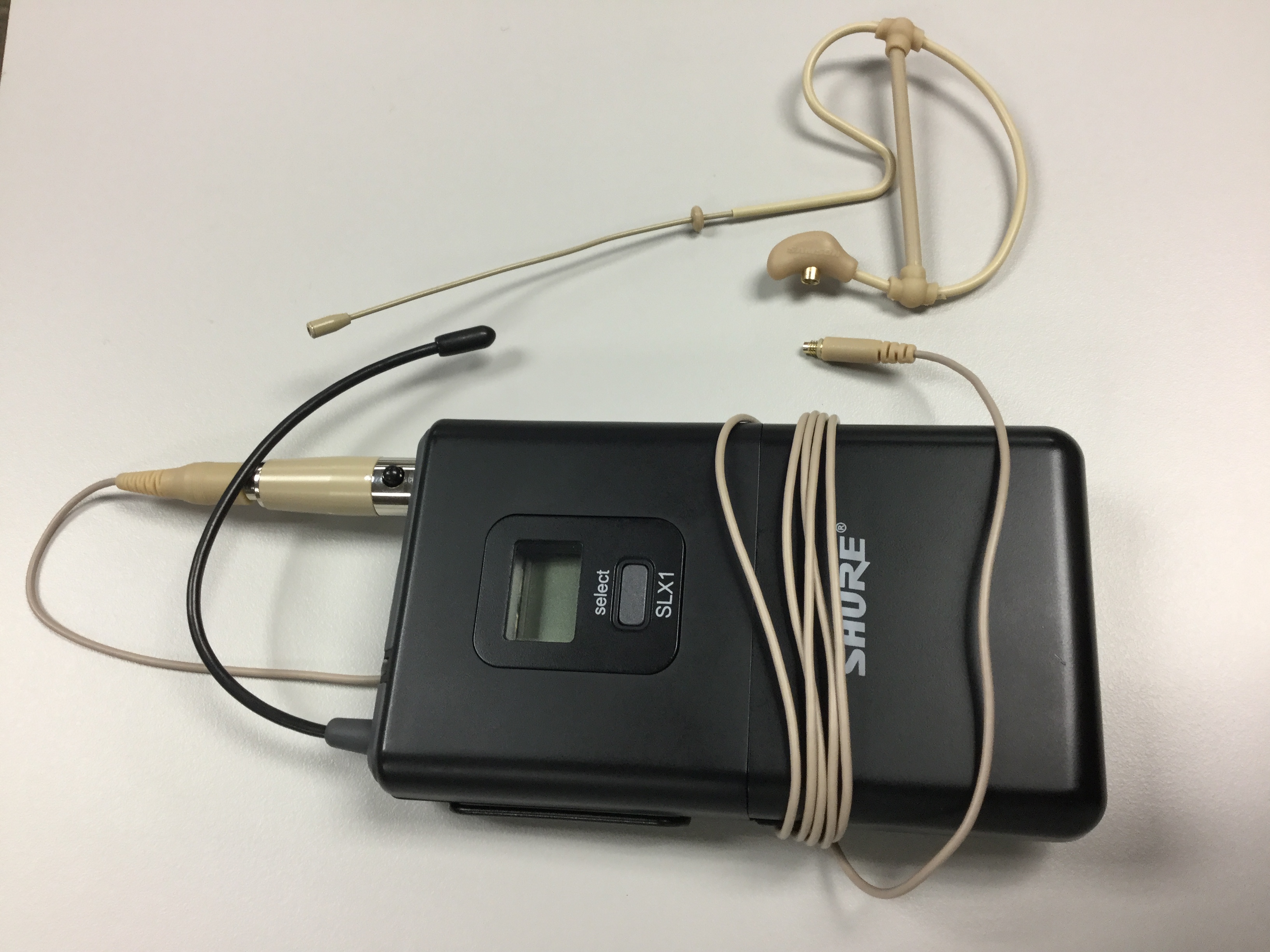
- Volume knob and mute button specifically for microphone volume
