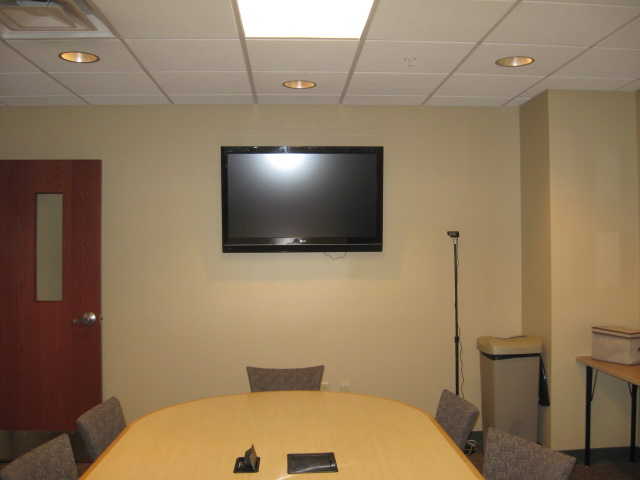
201 Conference Room
Sources

A mobile device, such as a laptop, tablet or phone, can connect audio and video to the display:
- Laptop
- HDMI cable
- Wirelessly sharing with ViewShare USB-C dongle (change TV source to HDMI 3, insert dongle into laptop's USB-C port)
Resolution
Aspect Ratio 16:9
Control
Use the display's remote control to turn the TV on and off, adjust volume, and change the source.
Room View