
NCMC 113 Bistro Classroom
Display
This classroom has a teaching station and three displays:

- 3 wall mounted flat panel TVs in the corners of the room
- A preview monitor on top of the cart shows the same content as the TVs
- Resolution = 3840 x 2160 (16:9 aspect ratio)
Audio
- Ceiling Speakers
- Volume knob on the Teaching Station's control panel
Control
The control panel is where you
- turn on and off the display, or temporarily blank the screen
- adjust the volume through the speakers,
- select available sources.
Qsys control system
Sources
The teaching station will allow computers and mobile devices to be shown on the display and heard through the ceiling speakers:
- Desktop PC located in the teaching station
- HDMI cable for a mobile device (Laptop, tablet or smart phone)
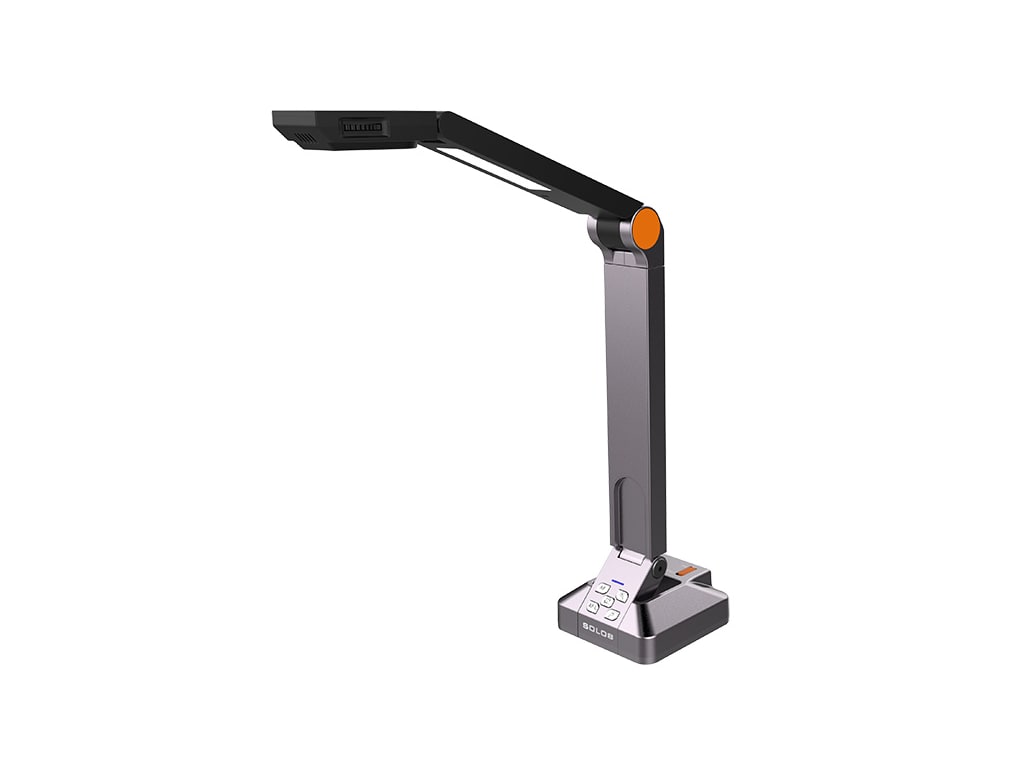
- HoverCam USB document camera, can be connected to Desktop PC or to laptop with a USB 3.0 type A connection.
Equipment location
Located in the Spectrum Link Lectern