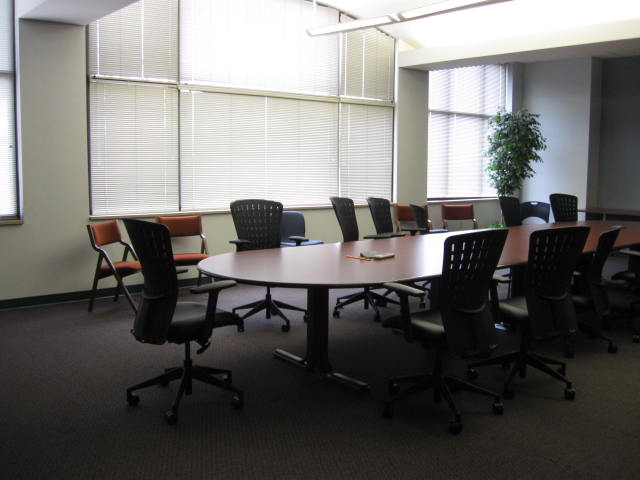
Maxwell Center 210 - Conference Room
Display
This room is equipped with a television display that can be used with a laptop source. The tables are clustered in the center of the room, with chairs around them.
In order to connect a laptop to the television, an HDMI cable is available at the table.
Audio
Two speaker options are available:
- TV speakers, or
- Meeting Owl video conferencing webcam has built-in speakers
Control
A remote control is needed to turn the television on and off and to control volume.
Sources
Bring your own device and connect it to the provided HDMI cable.
If your device does not have an HDMI connection, you will need an HDMI adapter.
Equipment location
This room does not have a teaching station. The TV is on a mobile cart and the Meeting Owl is on the table.
Room View